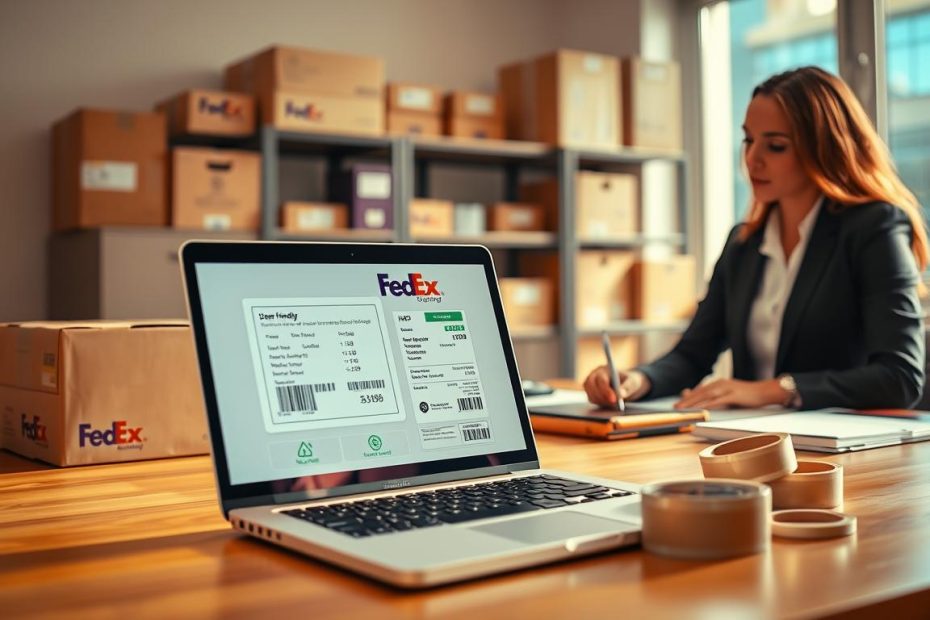
Ever thought about making a FedEx shipping label without waiting in line? It’s easier than you think. This guide will show you how to do it in just five easy steps.
Shipping packages can be stressful. But with FedEx’s online system, you can make professional labels from home or office. It’s great for small businesses or sending gifts to friends.
Follow our simple steps to make a FedEx shipping label fast. No more hard processes or confusing papers. Just easy, time-saving shipping solutions.
Key Takeaways
- Learn to create FedEx shipping labels online in 5 easy steps
- Save time by avoiding in-person shipping center visits
- Gain control over your shipping process
- Access multiple shipping service options
- Print professional shipping labels from anywhere
Understanding FedEx Shipping Labels
Shipping labels are key for fast package delivery. FedEx makes them great for both businesses and people. When you make a fedex shipping label online, you create a vital guide for your package’s trip.
A shipping label is more than a simple paper. It’s a detailed system for tracking and sending packages. The fedex shipping label generator turns your shipping info into a clear message for postal workers.
What Exactly is a FedEx Shipping Label?
A FedEx shipping label has important info like:
- Sender’s complete address
- Recipient’s full contact details
- Unique tracking number
- Barcode for automated sorting
- Shipping service type
Importance of Shipping Labels
Shipping labels do many important things. They give proof of shipment, let you track packages in real time, and help FedEx sort packages fast.
Types of FedEx Shipping Labels
FedEx has many shipping label types for different needs:
| Label Type | Purpose |
|---|---|
| Domestic Labels | Shipments within the United States |
| International Labels | Cross-border shipping requirements |
| Return Labels | Easy return process for customers |
| Prepaid Labels | Shipping costs paid in advance |
Knowing these label types helps you pick the best shipping option for your needs with the fedex shipping label online service.
Preparing to Create Your Shipping Label
Before you start making your FedEx label, get ready to save time. Being organized helps your package get to its destination fast.
Getting the right info is the first step. You need to collect important details for your FedEx label:
- Sender’s complete contact information
- Recipient’s full address details
- Package weight and dimensions
- Shipping service preference
Gather Necessary Information
Having the right info is key for a good shipment. For the sender, get your name, address, phone, and email. For the recipient, get their full mailing address.
Measuring your package is important. Note its length, width, and height. Use a scale to find the exact weight. Tip: Rounding up can help avoid unexpected additional charges.
Choose Your Packaging
Picking the right packaging is important. FedEx has many options:
- FedEx-branded boxes and envelopes
- Your own packaging (meeting FedEx requirements)
- Specialized containers for fragile items
Make sure your packaging is strong, clean, and right for your item. Good packaging keeps your item safe and avoids shipping problems.
Step 1: Accessing the FedEx Website
Creating a shipping label is easy. FedEx makes it simple for everyone. You can do it fast, whether you ship often or just a little.
You can make a FedEx label in many ways. You don’t need an account to start. This makes shipping easy for all.
Finding the Right Starting Point
To start shipping, just follow these steps:
- Open your web browser
- Navigate to fedex.com
- Find the “Ship” or “Create a Shipment” button
Shipping Without an Account
Want to make a FedEx label without an account? Look for “Guest Shipping” or “Ship Without Login”. This lets you:
- Put in shipping details right away
- Pick your shipping service
- Make a label without an account
Account Options
Even without an account, you can make a FedEx label. But, having one has more perks. A free FedEx account gives you:
- Saved shipping addresses
- Tracking of your shipping history
- A quicker checkout
- More shipping tools
To make an account, just click “Register”. Then, use your email to set up your profile.
Step 2: Entering Your Shipment Details
Creating a FedEx shipping label online needs careful detail. This step makes sure your package gets to its destination right. Getting the info right is key to shipping well.
Sender Information Essentials
Start with your sender details when making your fedex shipping label online. Here’s what to do:
- Use your full legal name
- Include your complete street address
- Add apartment or suite numbers if applicable
- Provide a reliable contact phone number
- Enter a valid email address
Recipient Details and Verification
Being precise with recipient info is vital for your FedEx shipping label online. Check every detail to avoid delivery problems.
| Information Type | Required Details |
|---|---|
| Full Name | Exact name on shipping address |
| Complete Address | Street, City, State, ZIP Code |
| Contact Number | Recipient’s phone number |
Shipping Options Selection
Your fedex shipping label online lets you pick important shipping choices:
- Choose residential or business delivery
- Select signature requirements
- Add reference numbers for tracking
- Specify any special handling instructions
Pro Tip: Use FedEx’s address validation feature to catch errors before you ship.
Step 3: Choosing Your Service Type
Choosing the right FedEx service is key. It makes sure your package gets to you on time. The service you pick affects both cost and how fast it gets there.
FedEx has many shipping options. Knowing these can help you pick the best one for your needs.
Overview of Available FedEx Services
- FedEx Express Services
- First Overnight (fastest delivery)
- Priority Overnight
- Standard Overnight
- 2Day Service
- Express Saver
- Ground Shipping Options
- FedEx Ground
- FedEx Home Delivery
- International Shipping
- FedEx International Priority
- FedEx International Economy
- FedEx International Ground to Canada
Selecting the Right Service for Your Needs
Think about these things when picking a service:
- How fast you need it
- How much you can spend
- How big and heavy your package is
- Where it’s going
- If it needs special handling
Pro tip: Look at both speed and cost. A slower service might be cheaper but works for you.
Step 4: Payment and Review
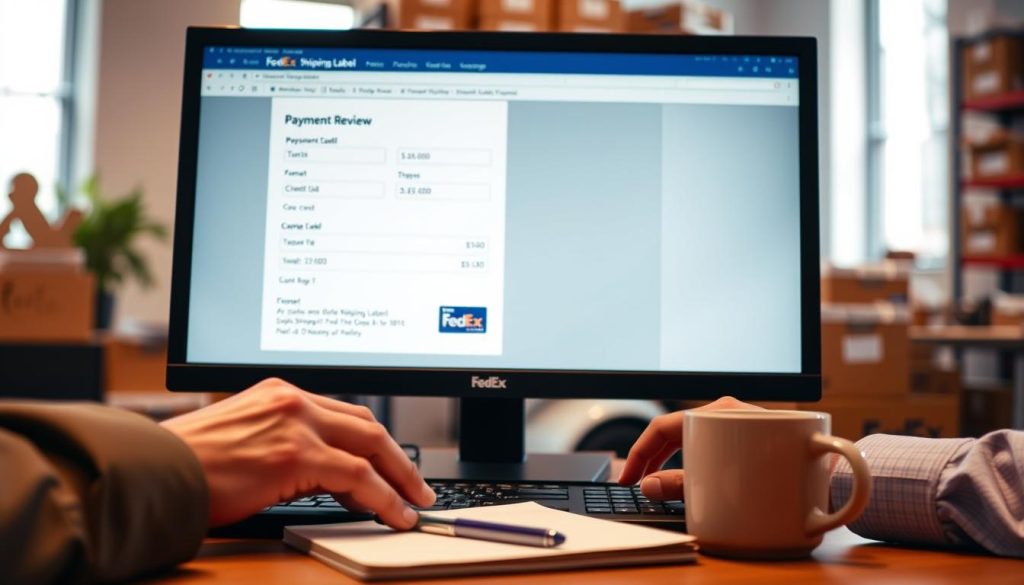
Learning how to make a FedEx shipping label is important. The payment and review stage is key for correct and affordable shipping. It lets you check all details and pay safely.
Understanding Shipping Costs
FedEx figures out shipping costs based on a few things. To get the best deal, think about these:
- Package weight and size
- The shipping service you pick
- The ZIP codes of where it starts and ends
- Extra services like insurance or signature confirmation
- Fuel surcharges
Reviewing Your Shipping Information
Before you finish making your FedEx shipping label, check everything carefully. This helps avoid mistakes:
- Make sure the sender’s address is right
- Double-check the recipient’s address
- Confirm the package’s weight and size
- Look at the delivery service you chose
- Check the total cost of shipping
| Payment Method | Accepted by FedEx |
|---|---|
| Credit Cards | Visa, Mastercard, American Express, Discover |
| Business Options | FedEx Account Billing |
| Digital Payments | PayPal (select locations) |
Spending a little extra time on your shipping label can save you a lot. Accuracy is key when making your FedEx shipping label.
Step 5: Printing Your Shipping Label
You’ve finished setting up your shipping details. Now, it’s time to print your FedEx shipping label. This last step makes sure your package is labeled right and ready to go.
When you print a FedEx shipping label, follow these important steps for a smooth shipping process:
Downloading Your Shipping Label
After you finish your shipment, FedEx makes a PDF file for you. You get a digital version of the fedex shipping label template. It has all the important shipping info.
- Click the download button in your FedEx account
- Save the PDF to your computer
- Make sure all shipping details are right
Printing Tips for Best Results
To print your FedEx shipping label well, keep these tips in mind:
- Use a good printer with clear pictures
- Print at 100% scale
- Use standard 8.5″ x 11″ paper or adhesive labels
- Make sure you have enough ink or toner for clear barcodes
- Check that all text and barcodes are easy to read
Pro tip: If you don’t have a printer, go to a local FedEx Office. Or use their printing services to make your shipping label.
Additional Features of FedEx Shipping
FedEx has cool tools to make shipping better than just a label. These features help you ship packages well and keep them safe.
Tracking Your Shipment
With a FedEx prepaid label, you get to track your package. You get a special number to follow your package’s journey. You can track it on:
- FedEx website tracking
- Mobile app tracking
- Email notifications
- Text message updates
Tracking lets you see where your package is and when it will arrive. It helps you:
- Tell the receiver where it is
- Know if there are delays
- Make sure it was delivered
Adding Shipping Insurance
It’s important to protect your packages, like when you send something valuable. FedEx has insurance plans for your prepaid label:
| Coverage Type | Protection Level | Cost |
|---|---|---|
| Standard Coverage | Limited liability | Free |
| Declared Value | Full item value | Additional fee |
| Premium Insurance | Comprehensive protection | Varies by value |
When you make your label, you can add insurance. Just say how much your package is worth. This extra protection covers you if something goes wrong while it’s moving.
Common Issues with FedEx Shipping Labels
Using FedEx labels can sometimes be tricky. Knowing how to fix common problems makes shipping easier. It helps you avoid getting stuck.
Troubleshooting Printing Problems
Printing labels can be hard. Here are some common issues you might face:
- Blurry or distorted barcodes
- Labels printing on multiple pages
- Connection problems with your printer
- Browser compatibility issues
To fix these problems, try these steps:
- Update your printer drivers
- Adjust print scaling settings
- Disable browser pop-up blockers
- Use alternative browsers or PDF readers
Addressing Label Mistakes
Mistakes can happen when making FedEx labels. But, you can fix them:
- Void incorrect labels before package pickup
- Create a new label with correct information
- Contact FedEx customer service for complex issues
If you need help, call FedEx customer support at 1-800-463-3339. They can solve your problems. Your package will get to its destination right.
Conclusion and Final Tips
Learning to make a FedEx shipping label online is easy. Just follow the five simple steps we showed you. You’ll be making labels fast and easy in no time.
It usually only takes a few minutes. This makes managing your shipping easy without going to a store.
When you make a FedEx shipping label, check your info twice before you finish. It’s important for your package to get where it’s going right. The FedEx online platform is easy to use. It helps you through each step of making a label.
Mastering Your Shipping Strategy
Think about making a FedEx account. It’s a simple step that can save you time and money. Keep your shipping labels and tracking numbers online. Also, try the FedEx mobile app for easy label management on the go.
With practice, you’ll get good at making FedEx shipping labels. You’ll know exactly what you need for your shipments.
Final Shipping Recommendations
Pack your items well and pick the right shipping service. Whether it’s personal or business packages, making labels online is flexible and convenient. You’ll feel confident and easy with FedEx shipping.